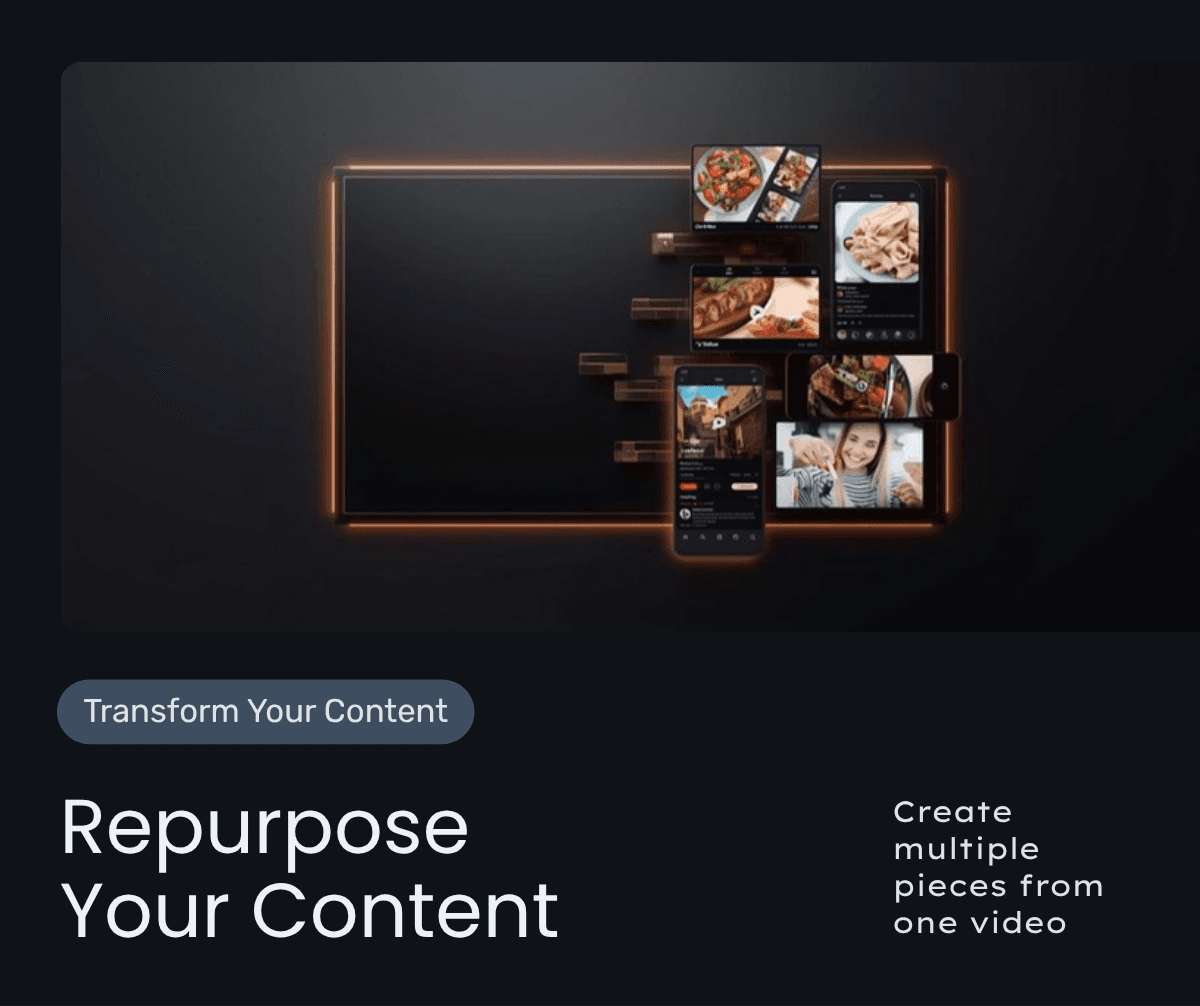
You do not need more content. You need a better system for the content you already have. Here is the exact repurposing framework I use to turn one YouTube video into 30+ assets across every platform.
Here is a number that should change the way you think about content creation: the average YouTube video takes 6 to 10 hours to produce from concept to publish. If you are only using that video on YouTube, you are wasting 90 percent of its value. After working with more than 500 channels and spending over 20,000 hours coaching creators and entrepreneurs, I have built a content repurposing system that turns one YouTube video into 30 or more pieces of content — without creating anything from scratch.
This is not about being lazy. It is about being strategic. The best content creators in the world are not producing more. They are distributing better. Let me show you the exact framework I teach inside Crazy Simple YouTube and in our Systems Over Hustle community.
Why Repurposing Is the Highest-Leverage Content Strategy
Most entrepreneurs treat every platform like it needs its own original content. They film a YouTube video, then write a completely separate Instagram post, then draft a new email, then brainstorm a different LinkedIn article. That approach is unsustainable. It is also unnecessary.
Your audience is not on every platform. The people who follow you on Instagram are largely different from those who subscribe on YouTube. According to Sprout Social's research, only about 10 to 15 percent of your audience overlaps across any two platforms. That means 85 percent of your LinkedIn followers have never seen your YouTube content. The same ideas, repackaged for different formats, reach entirely new audiences.
Repurposing also compounds your authority. When the same message appears across YouTube, LinkedIn, Instagram, email, and your blog, you build omnipresence. Potential clients feel like you are everywhere. That perception of scale builds trust faster than any single platform ever could.
The 1-to-30 Repurposing Framework
Every piece of repurposed content starts with what I call the Pillar Video. This is your long-form YouTube video, typically 8 to 15 minutes, covering a single topic in depth. The pillar video is the raw material for everything else.
Tier 1: Direct Derivatives (Same Week as Upload)
From one pillar video, you immediately create:
- 3 to 5 YouTube Shorts: Pull the most quotable, actionable, or surprising 30 to 60 second clips. Each Short should deliver one standalone insight. I cover how Shorts fit into your broader strategy in my YouTube Shorts strategy guide.
- 1 blog post: Transcribe the video, then restructure the transcript into a proper blog post with headers, internal links, and an FAQ section. This is exactly what you are reading right now — many of my blog posts originate as YouTube videos.
- 1 email newsletter: Summarize the top 3 takeaways from the video with a link back to the full video. Keep it under 300 words.
- 1 LinkedIn article or post: Rewrite the core argument in a LinkedIn-native format. Open with a hook, use short paragraphs, end with a question to drive engagement.
Tier 2: Platform-Native Content (Days 2 Through 5)
- 5 to 7 Instagram or TikTok Reels: Re-edit your Shorts with platform-specific formatting. Add text overlays, trending audio where relevant, and native captions.
- 3 to 5 carousel posts: Take the key frameworks, lists, or steps from your video and design them as swipeable carousels for Instagram or LinkedIn.
- 3 to 5 text-based social posts: Pull individual insights or statistics from the video and expand each into a standalone post for X, LinkedIn, or Facebook.
- 1 to 2 quote graphics: Take your most powerful one-liner from the video and design it as a shareable image.
Tier 3: Long-Tail Assets (Week 2 and Beyond)
- 1 podcast episode: Strip the audio from the video. Add a brief podcast-specific intro and outro.
- 1 lead magnet excerpt: If the video teaches a framework, create a downloadable PDF checklist or worksheet based on that framework.
- Community content: Post the video in your community with a discussion prompt. Use it as the basis for a live Q and A or group coaching session.
- Future video ideas: Every comment and question on the pillar video becomes a potential future video topic, feeding the cycle.
That is 20 to 30 pieces of content from one video. No new ideas required. No blank-page syndrome. Just a system.
Tools and Systems for Efficient Repurposing
You do not need a massive team to execute this. I recommend a three-tool stack:
- Transcription tool: Use Descript or Otter.ai to generate an accurate transcript immediately after upload. This transcript is the source material for your blog, email, and social posts.
- Short-form editing tool: Use Opus Clip, Kapwing, or CapCut to identify and clip the best short-form segments automatically. AI-powered tools can cut your clipping time from 2 hours to 20 minutes.
- Scheduling tool: Use a scheduler like Buffer, Later, or Metricool to queue all repurposed content across platforms in one sitting.
If you want to take this further with AI-powered automation, I break down the best tools in my best AI tools for coaches post, and our AI Systems service can build custom repurposing workflows for your business.
Common Repurposing Mistakes to Avoid
Repurposing is simple, but it is not automatic. Here are the three mistakes I see most often:
Mistake 1: Copy and Paste Without Adaptation
Each platform has its own native format, tone, and audience expectations. A YouTube script copied directly into a LinkedIn post will feel awkward. You need to adapt the message to the medium. The insight stays the same. The packaging changes.
Mistake 2: Repurposing Bad Content
If the original video was unfocused or lacked a clear takeaway, no amount of repurposing will fix it. The pillar video must be excellent. It must have a clear argument, actionable frameworks, and memorable phrases worth quoting. Repurposing amplifies quality. It also amplifies mediocrity.
Mistake 3: No Call to Action in Repurposed Content
Every piece of repurposed content should drive the audience somewhere: back to the full video, to a lead magnet, to a strategy call, or to your email list. Content without a destination is content without a purpose.
Building Your Weekly Repurposing Workflow
Here is the exact weekly workflow I recommend:
- Monday: Film and edit your pillar YouTube video
- Tuesday: Upload video, generate transcript, draft blog post and email
- Wednesday: Clip 3 to 5 Shorts, create carousel graphics, write social posts
- Thursday: Schedule all repurposed content for the week across platforms
- Friday: Review performance from last week's content, note what performed best, and feed insights into next week's planning
Total time: 8 to 10 hours per week for 25 to 30 pieces of content. Compare that to creating everything from scratch, which would take 30 to 40 hours for the same output. That is a 3x to 4x efficiency gain. This is what I mean when I talk about systems over hustle.
The Compound Effect of Repurposing
When you repurpose consistently for 6 to 12 months, something powerful happens. You build a content library that works for you 24 hours a day, 7 days a week. Blog posts rank in Google. Shorts surface on Explore pages. Old emails get forwarded. LinkedIn posts get shared months after publication.
I have clients who generate 40 to 60 percent of their monthly leads from repurposed content — not from the original YouTube video, but from the blog post, the Shorts, or the LinkedIn article that was derived from it. That is the compound effect of repurposing. One hour of filming turns into thousands of hours of exposure over time.
If you want help building a repurposing system for your business, start with a free YouTube audit where I will analyze your current content and show you the repurposing opportunities you are missing. Or grab a copy of Crazy Simple YouTube which includes my complete repurposing playbook.
Frequently Asked Questions
How long does it take to repurpose a YouTube video?
With the right system and tools, you can repurpose one pillar video into 25 to 30 pieces of content in about 3 to 4 hours. Without a system, the same output would take 15 to 20 hours.
Should I repurpose every YouTube video?
Yes, but prioritize your best performers. Videos with strong engagement and clear frameworks repurpose more effectively. Even average videos should get at minimum a blog post, 2 to 3 Shorts, and an email mention.
Does repurposing hurt my SEO or get penalized for duplicate content?
No. Google and social platforms do not penalize repurposed content because the format, platform, and audience are different. A YouTube video and a blog post covering the same topic are two distinct pieces of content in the eyes of search engines.
What if I do not have a team to help with repurposing?
You do not need one to start. AI tools like Opus Clip, Descript, and ChatGPT can handle 80 percent of the repurposing work. As your business grows, hire a content assistant to manage the system. The process is simple enough to delegate.

Written by
Aaron CuhaAuthor of Crazy Simple YouTube, keynote speaker, and executive coach with 20,000+ hours logged. ICF PCC, NLP Master Practitioner, and DISC Certified. Aaron helps entrepreneurs replace hustle with AI-powered systems that generate leads, content, and revenue on autopilot.